
Florida Chapter 119 and Duval County
Florida runs on one of the broadest public-records statutes in the country. The frame sits in Chapter 119 of the Florida Statutes. The core policy is in Fla. Stat. § 119.01, which says it is the policy of the state that all state, county, and municipal records are open for personal inspection and copying by any person. The Duval Clerk applies this rule when acting as county recorder, when accepting Clerk filings, and when responding to public records requests.
The operational rule is in Fla. Stat. § 119.07. It allows inspection and copying and lets the custodian apply reasonable conditions and fees for special service. Fla. Stat. § 119.071 sets out general exemptions, including protected-group address and phone redactions. Fla. Stat. § 119.0714 supports redaction of Social Security numbers, bank data, and credit or debit card numbers on court and official records.
The state Chapter 119 page lists every section of the law. A view of that page is included below for context.
The official Florida Senate page for Chapter 119 lives at flsenate.gov/Laws/Statutes/2024/Chapter119.
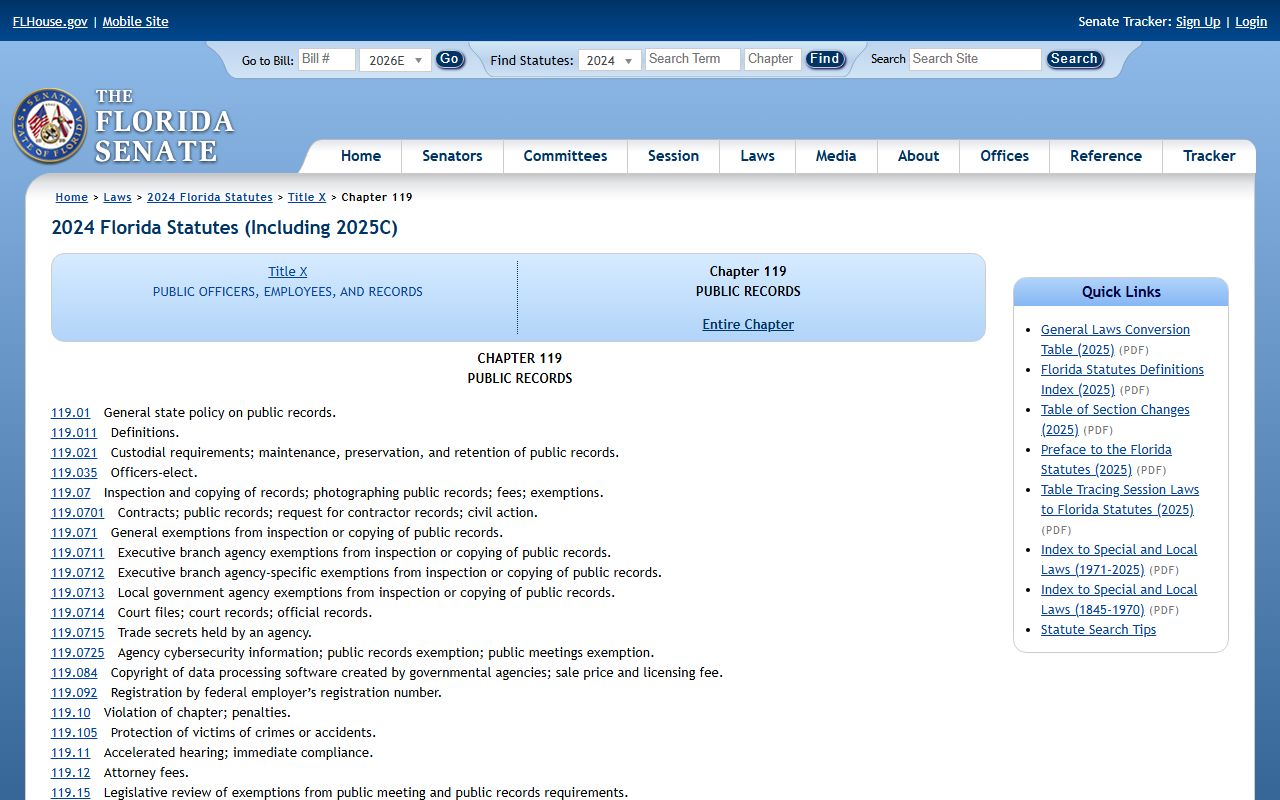
The Chapter 119 frame is broad, but it does not override the separate court-record rule. Court files in Duval County are also governed by Florida Rule of General Practice and Judicial Administration 2.420 and the Supreme Court Standards for Access to Electronic Court Records.
The Clerk's Role in Duval County Public Records
The Duval Clerk of the Circuit and County Courts holds the largest set of county-level records. Jody Phillips serves as the elected Clerk. The Clerk's Public Records Department handles complex requests, media requests, and any request that crosses departmental lines. Simple departmental copies, such as a specific case docket or a single official record, go through the department that owns the record.
The Public Records Department main number is (904) 255-1828. Email is preferred at Public.Info@duvalclerk.com. The mailing address is 501 W. Adams St., Suite 2403, Jacksonville, FL 32202, attention Public Information Officer. The Clerk uses the same downtown counter for in-person drop-off of a complex request.
A screenshot of the Clerk Public Information page is shown below. The page lists the full department contact set and the policy frame.
The Clerk's public information landing page at duvalclerk.gov/services/public-information covers the request paths in one place.
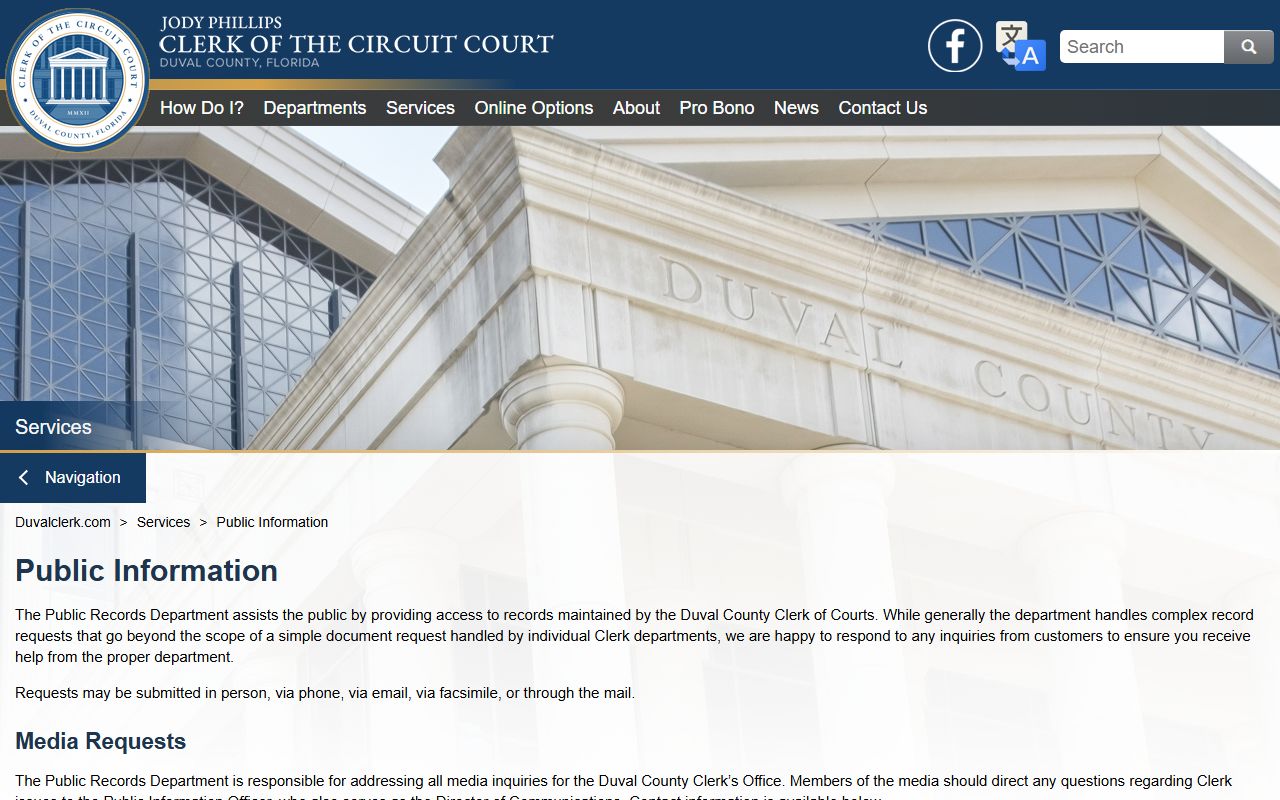
Note: A general media inquiry is routed through the Public Information Officer; do not send a media question to a case-level department.
Official Records vs Court Records
Two separate file sets exist under the Clerk. The lines between them matter because the search portals and the fee paths differ.
| Item | Official Records | Court Records |
|---|---|---|
| Examples | Deeds, mortgages, liens, marriage licenses, judgments, military discharges | Civil, criminal, family, probate, traffic, juvenile case files |
| Online portal | Official Records Search at oncore.duvalclerk.com | CORE at core.duvalclerk.com |
| Online coverage | Records recorded since 1988; marriage since February 1981 | Modern court files; older records may need staff help |
| Governing statute | Fla. Stat. § 28.222 and § 28.2221 | Chapter 119 and Florida Rule 2.420 |
| Free copies | Uncertified copies downloadable for free | Public-access docket views; document PDFs require login |
| Certified copies | $2 per instrument; eCertify available | $2 per instrument; eCertify through CORE |
The split keeps the records sets clean. A deed transfer goes to Official Records under Fla. Stat. § 28.222. A divorce judgment goes to the court file under Rule 2.420. The same Clerk handles both, but the access rules differ.
How to File a Duval County Public Records Request
Most Duval County public records requests go through the Public Records Department's complex request form. The form is required for any request that involves more than a simple departmental copy. The Clerk uses the form to capture the requester contact and the records sought. The complete form is the Request to Obtain Complex Public and Court Records.
- Decide which record is needed. A specific case file goes to the case department. A complex or cross-department request goes through Public Records.
- Open the complex public and court records request form from the Clerk site.
- Fill in the requester name, street address, city, state, ZIP, email, and phone.
- Add the date of the request and a clear description of the records sought.
- Sign the form and submit it by email to Public.Info@duvalclerk.com.
- Other paths include fax to (904) 255-2159 and mail to 501 W. Adams St., Suite 2403, Jacksonville, FL 32202.
- Wait for the Clerk to send a cost estimate and a status update.
- Pay the estimate online with a 2.75% service fee, by card in person with a 3.5% surcharge, or by money order or business check.
The Clerk follows up by phone or email when the records are ready. Email is the fastest channel. Mail can add a few days on either end. Complex requests may need extra research time, so plan ahead for legal deadlines.
Complex Records Request Form Fields
The Clerk complex request form captures a short, clean set of fields. Each field has to be filled to start the process. The form is fillable in a PDF reader and works on screen readers under ADA standards.
| Field | Required | Notes |
|---|---|---|
| Name of Person Requesting Records | Yes | Full legal name of the requester. |
| Street Address | Yes | Mailing street address for any paper return. |
| City | Yes | City of residence or business. |
| State | Yes | State of residence; out-of-state requests are allowed. |
| ZIP Code | Yes | ZIP for the mailing address. |
| Yes | Preferred contact channel for the Clerk reply. | |
| Phone Number | Yes | Direct phone for the requester. |
| Date of Request | Yes | Date the form is signed. |
| Description of Records Requested | Yes | Plain-English description of what is sought. |
| Signature | Yes | Original or e-signature; required for submission. |
Note: The description field is the most important box on the form, so keep it specific and use case numbers when known.
Duval County Public Records Fees
The Clerk charges statutory fees for copies, certifications, and special service. The full schedule is on the fee schedules page. The most common line items are below.
| Item | Amount |
|---|---|
| Certified copy per instrument | $2.00 |
| Plain copy per page, standard size | $1.00 |
| Plain copy per page, oversized | $5.00 |
| Records search per year | $2.00 |
| Exemplified certificate | $7.00 |
| Online eCertified official record processing fee | $6.00 |
| In-office credit card service fee | 3.5% |
| Online public records payment service fee | 2.75% |
| CD duplication | $2.00 |
| DVD duplication | $5.00 |
The Clerk fee scheme follows Fla. Stat. § 28.24. Extensive use of resources may carry a special service charge under Fla. Stat. § 119.07. The Clerk sends an estimate before doing the work.
Search Duval County Public Records Online
The Clerk runs two main online portals. Each one is free to use, though some downloads and certified options carry a fee. Pick the right portal based on the kind of record sought.
- Official Records Search covers deeds, mortgages, liens, judgments, marriage licenses, and other recorded instruments since 1988.
- The Official Records and Research Department page in Room 1253 helps with pre-1988 paper books and oversize records.
- CORE is the official court records portal. The general public view shows non-confidential records in non-confidential case types.
- Marriage licenses recorded since February 1981 also appear in the Official Records search.
- The eRecording channel lets title companies and law firms submit recorded documents electronically.
A view of the Official Records Search portal is below for reference.
The Official Records portal lives at oncore.duvalclerk.com.
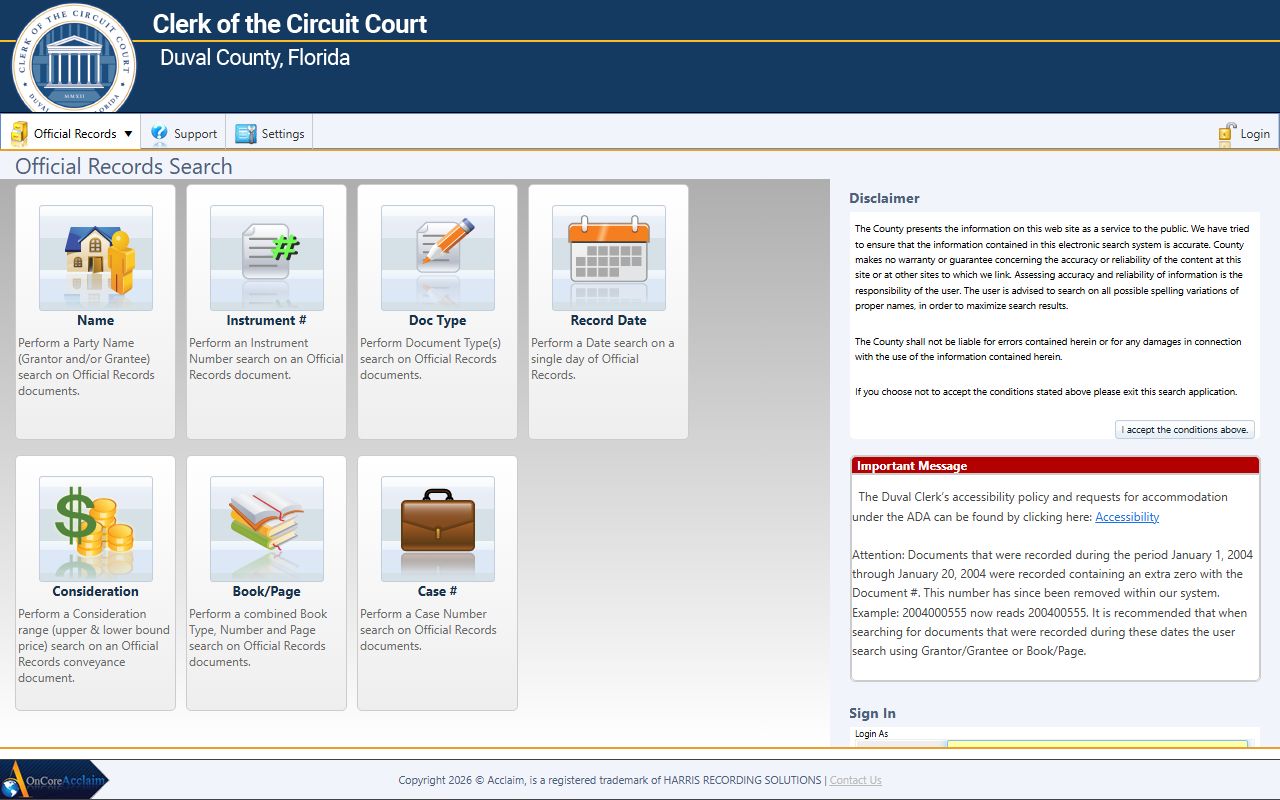
Older official records and certain images may not appear online. The Clerk also runs an internet document removal form for owners who want a recorded image taken off the public website under Fla. Stat. § 28.2221. The record stays on file in the office.
Records That Are Restricted or Redacted
Florida's public records law is broad, but it carries a set of carve-outs. Juvenile delinquency files are restricted. Adoption files are confidential. Mental-health clinical content is protected. Sealed and expunged criminal records do not appear in the public view. Social Security numbers, bank accounts, and card numbers are redacted by Clerk policy. Protected-group home addresses may be redacted on request under Fla. Stat. § 119.071.
The Clerk also keeps an internet document removal form that lets eligible owners take a recorded image off the public website. The record stays available at the office counter, so the underlying public record is preserved. Court files follow the parallel restrictions in Rule 2.420.